Mobile Apps
Command any Astral drone from your phone. The iOS and Android apps use the same cloud pipeline as the SDK — AWS IoT Core for real-time MQTT, S3 for media, and Bedrock for natural-language mission planning.
Getting started
Download the app
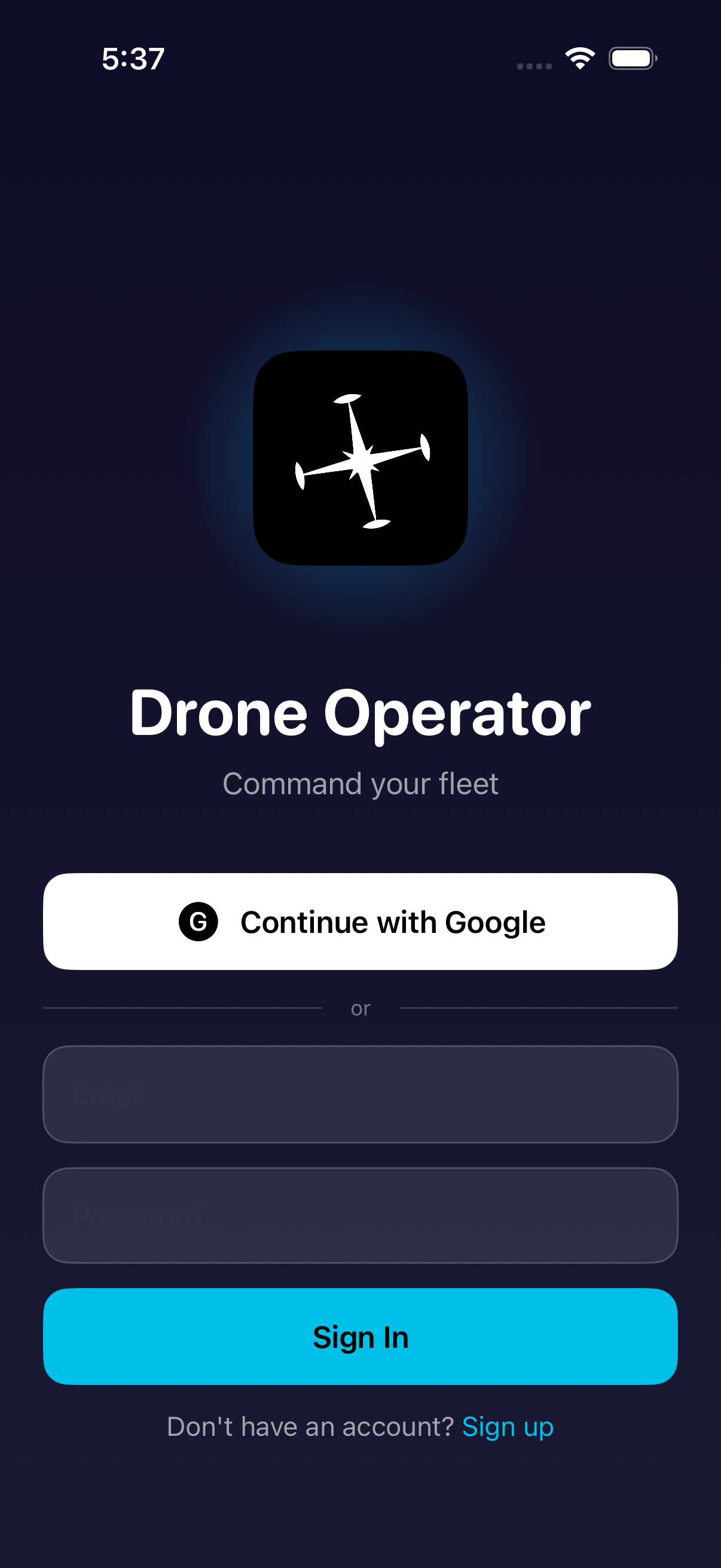
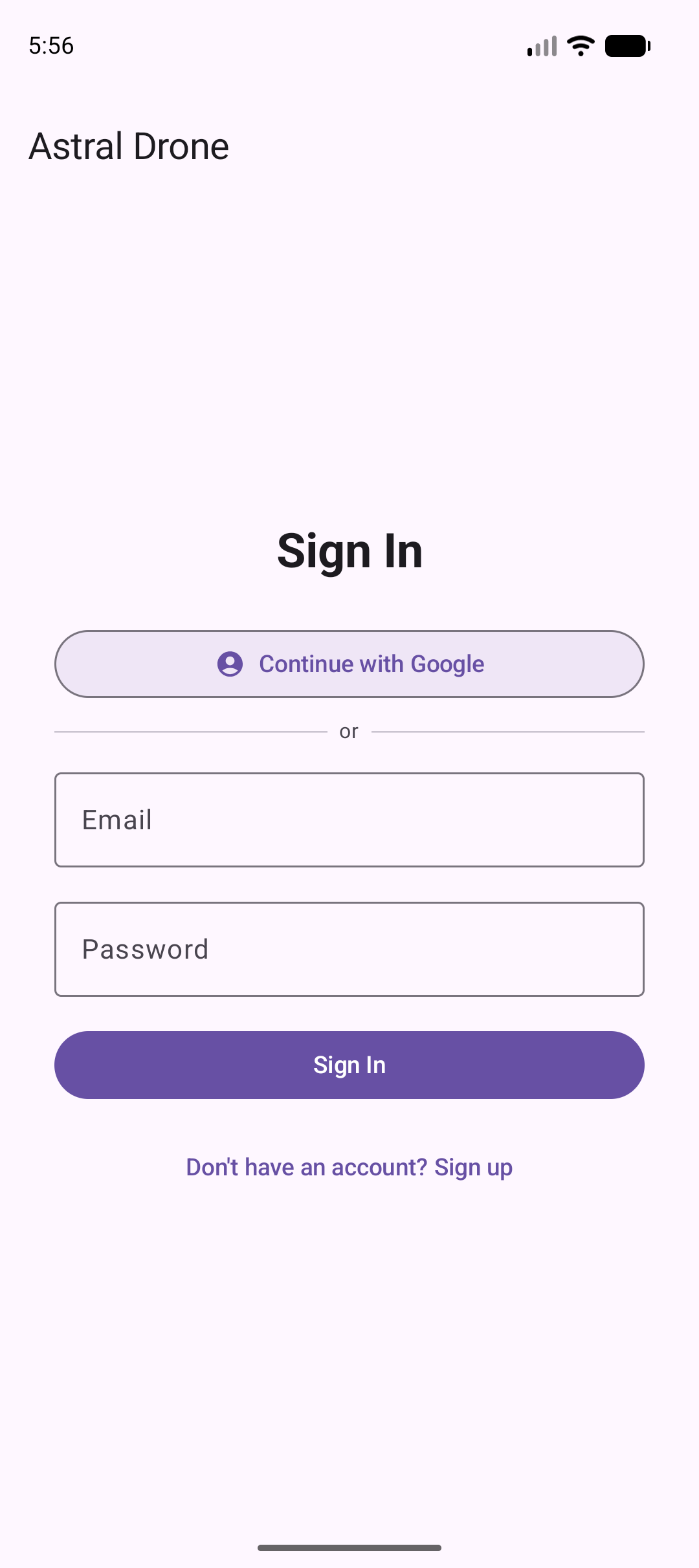
Get Drone Operator from the App Store (iOS) or Google Play (Android). Sign in with your Astral account.
Power on your drone
Connect the drone to your Wi-Fi hotspot or your local network. The drone auto-registers with AWS IoT Core on first boot.
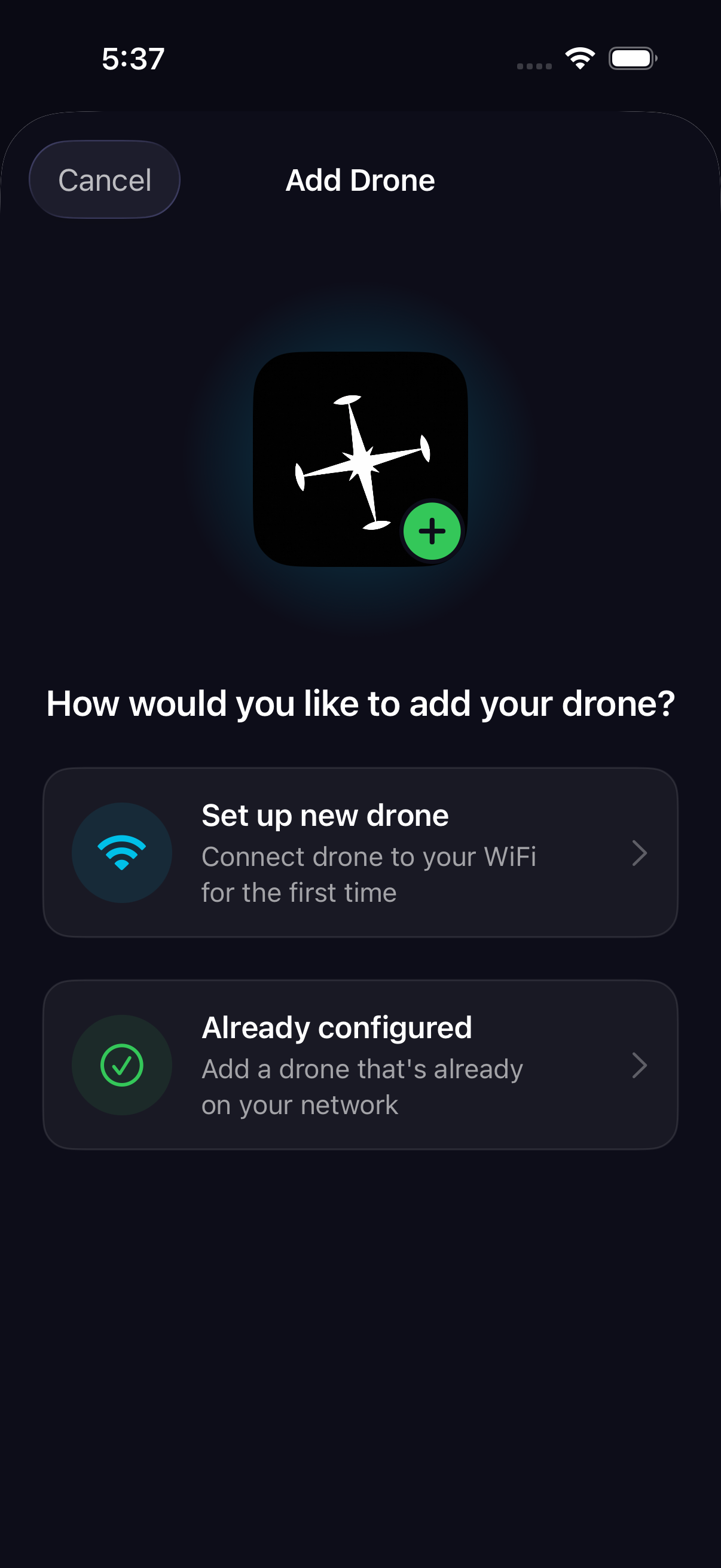
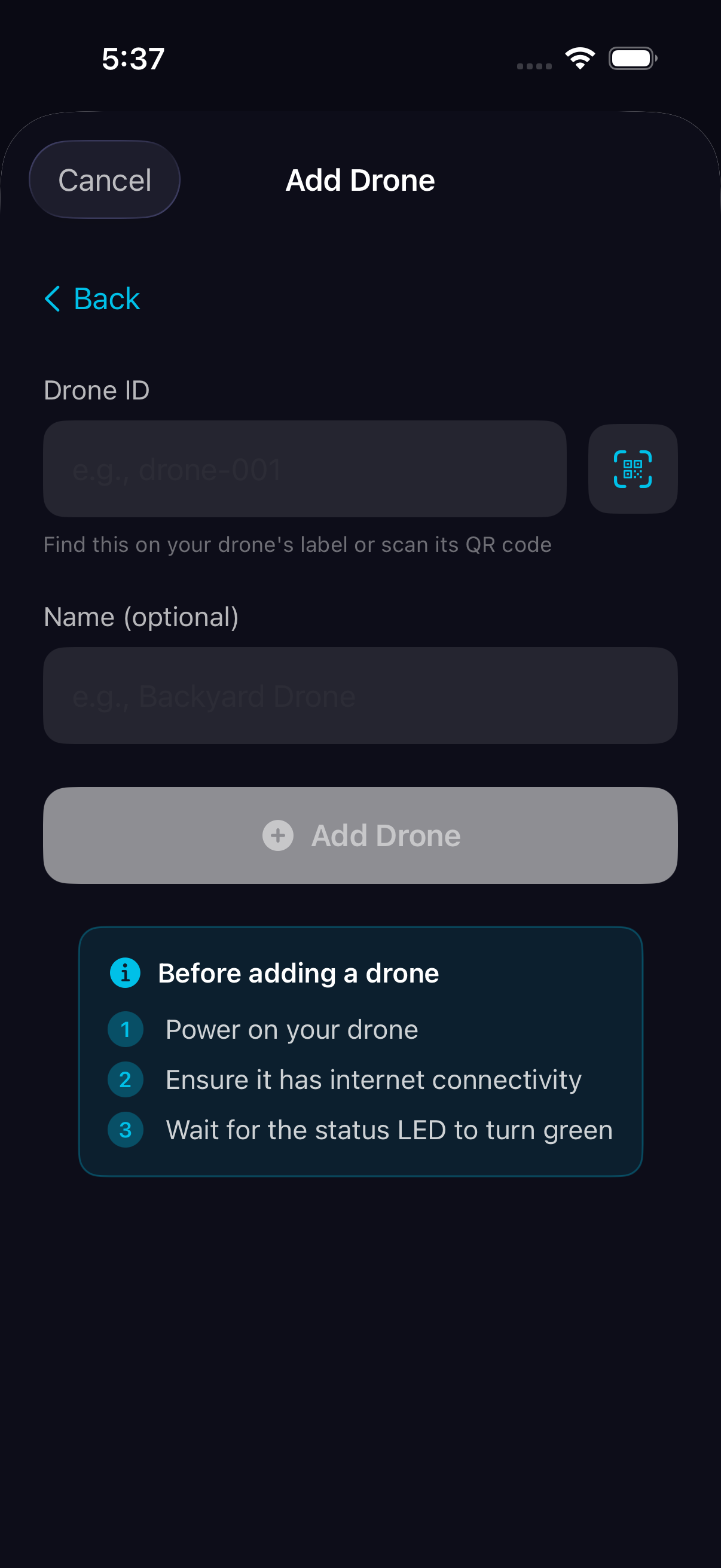
Onboard via "Already configured"
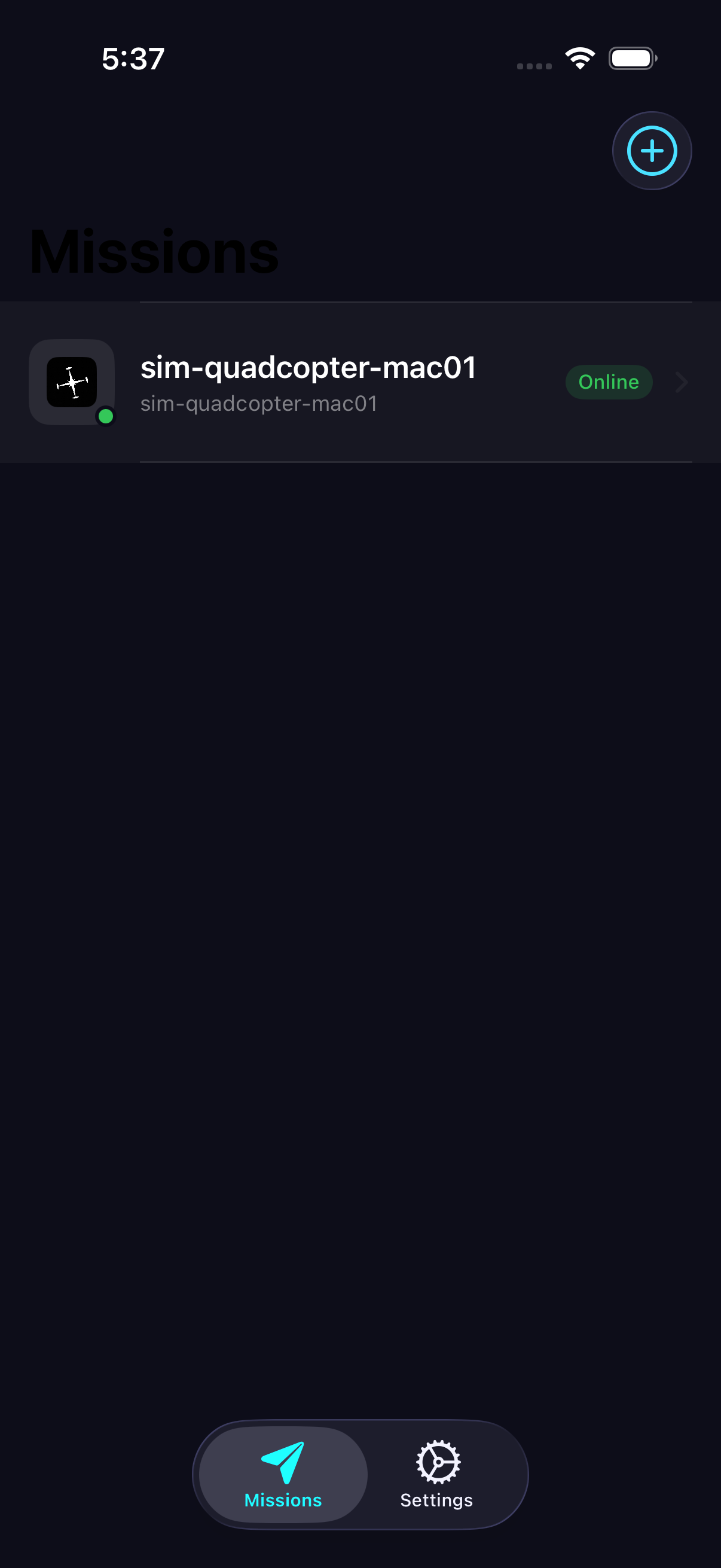
Tap + → Already configured, enter the drone ID printed on the label (or shown in the companion terminal), and tap Add. The card turns Online within 5–10 seconds once the daemon heartbeats.
Send a command
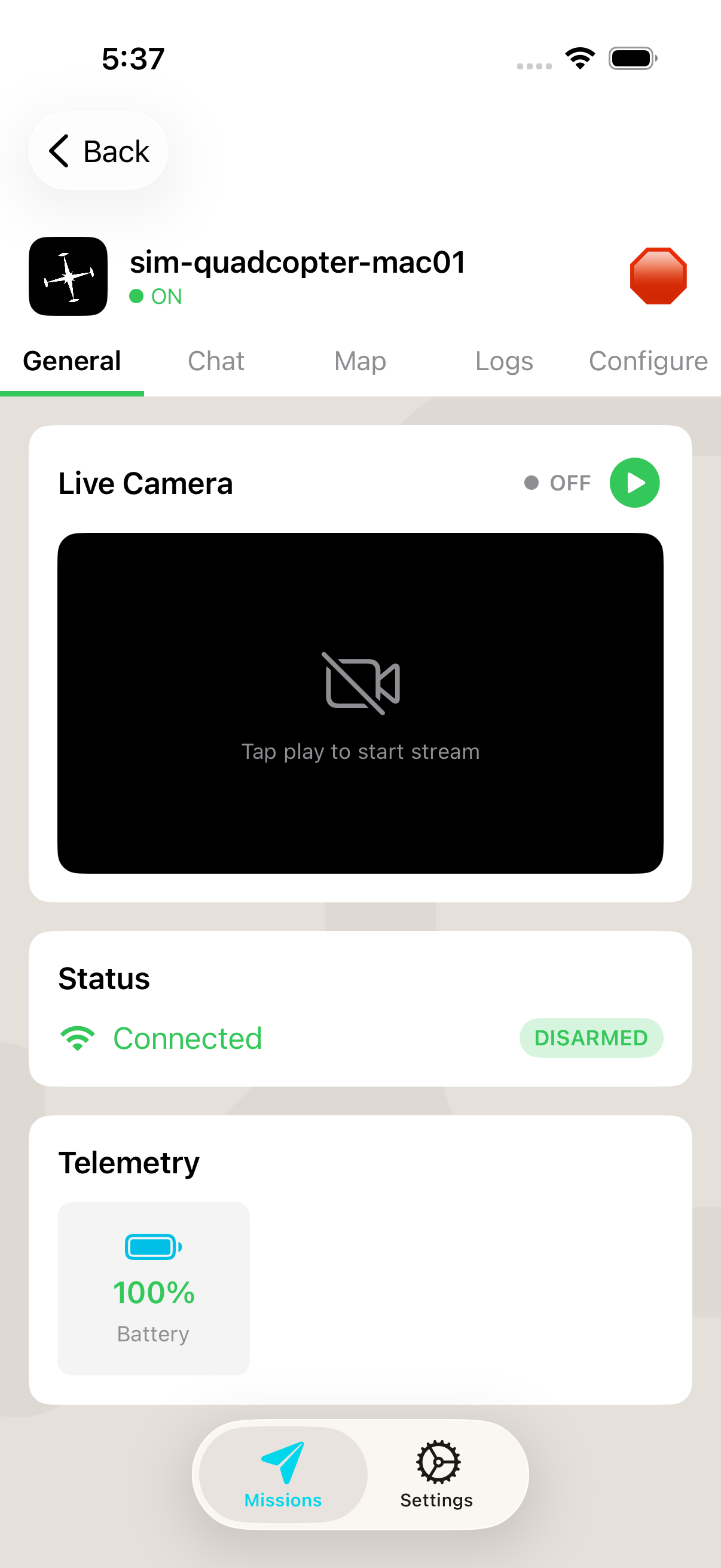
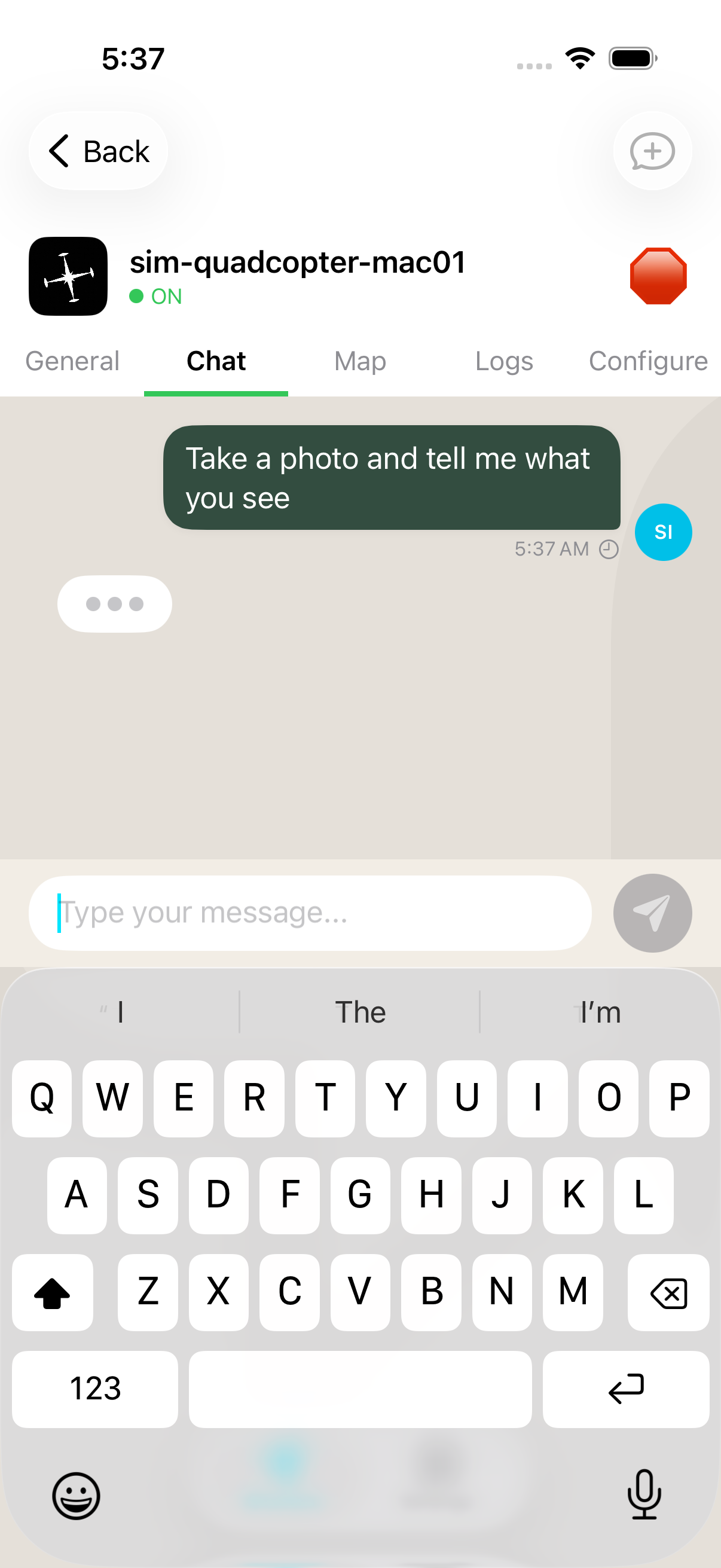
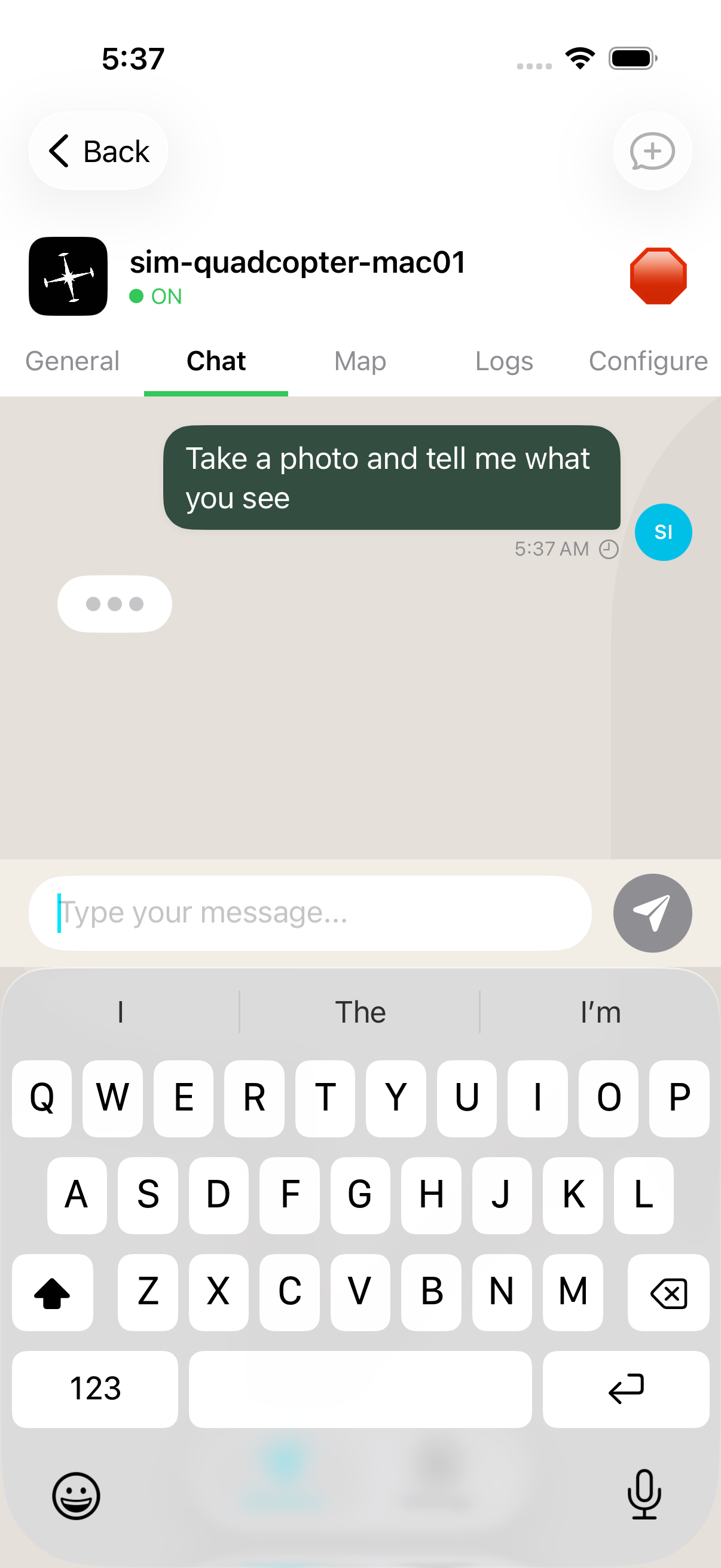
Tap the drone card to open its detail, switch to the Chat tab, type a natural-language command, and hit Send. The cloud pipeline routes it to the drone over MQTT.
Watch the response
The drone executes the command, uploads photos or telemetry to S3, and the assistant reply arrives in-chat with embedded images.
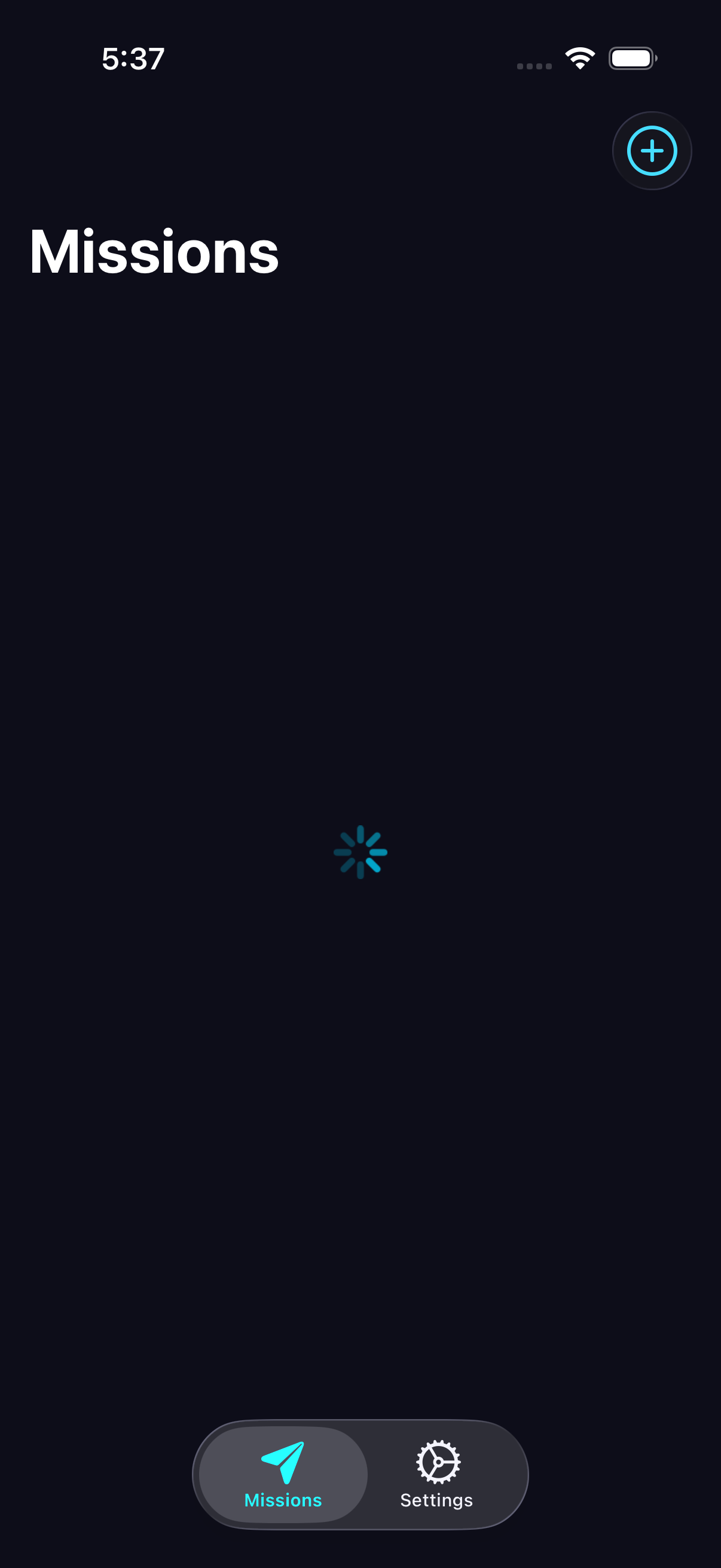
iOS — iPhone 17 Simulator
Captured end-to-end against a live sim drone on this Mac — same AWS IoT pipeline as a real flight.
Android — Pixel 10 Emulator
Same cloud pipeline, Material 3 design. Runs on Android 9+.
Natural-language chat
Plain English commands
Type "take a photo and tell me what you see" — no API calls required. Bedrock routes to the right drone function.
Cloud pipeline
Commands travel via MQTT over AWS IoT Core. Replies (with S3 image links) arrive in seconds.
Works on cellular
The drone connects to IoT Core directly. You and the drone don't need to be on the same network.